Lifeline Emergency Dispatcher Console
An Auckland privately-run ambulance service rebuilt the dispatcher console its team had hated for six years.
At a glance · Healthcare · 2025
What Blackbyrds Digital built, and what changed
Blackbyrds Digital redesigned the dispatcher console for a privately-operated emergency-and-transport ambulance service across the Auckland region. Headline result: 8 wks to 3 wks (dispatcher time to solo shift).
Published · Updated
- Call Intake
- Critical Zone
- Priority Visual + Earcon
The challenge
Before
Lifeline Ambulance operates a fleet of 28 vehicles across emergency-tier and patient-transport tiers across the wider Auckland region. The dispatcher console — the screen six dispatchers stare at for ten-hour shifts — had been built incrementally over six years and was the loudest, most consistent complaint from operations staff. Dispatchers reported visual fatigue, repeated mis-clicks under stress, and an information density that had become impenetrable to new starters. Critical information about incoming calls was buried; non-critical information dominated the screen.
- Six-year-old dispatcher console assembled incrementally with no UX baseline
- Visual fatigue reported by dispatchers across ten-hour shifts
- Repeated mis-clicks under stress, especially during high-call-volume periods
- Critical call information buried under non-critical metadata
- New starters taking eight weeks to become solo-shift competent
- Color usage inconsistent — same color meaning different things in different panels
- Alarm sounds layered on top of each other indistinguishably
- No way to see the state of the fleet without scrolling across multiple screens
- Six-year-old dispatcher console assembled…
- Visual fatigue reported by dispatchers…
- Repeated mis-clicks under stress,…
- Critical call information buried under…
- New starters taking eight weeks to become…
- Color usage inconsistent — same color…
The solution
What we built
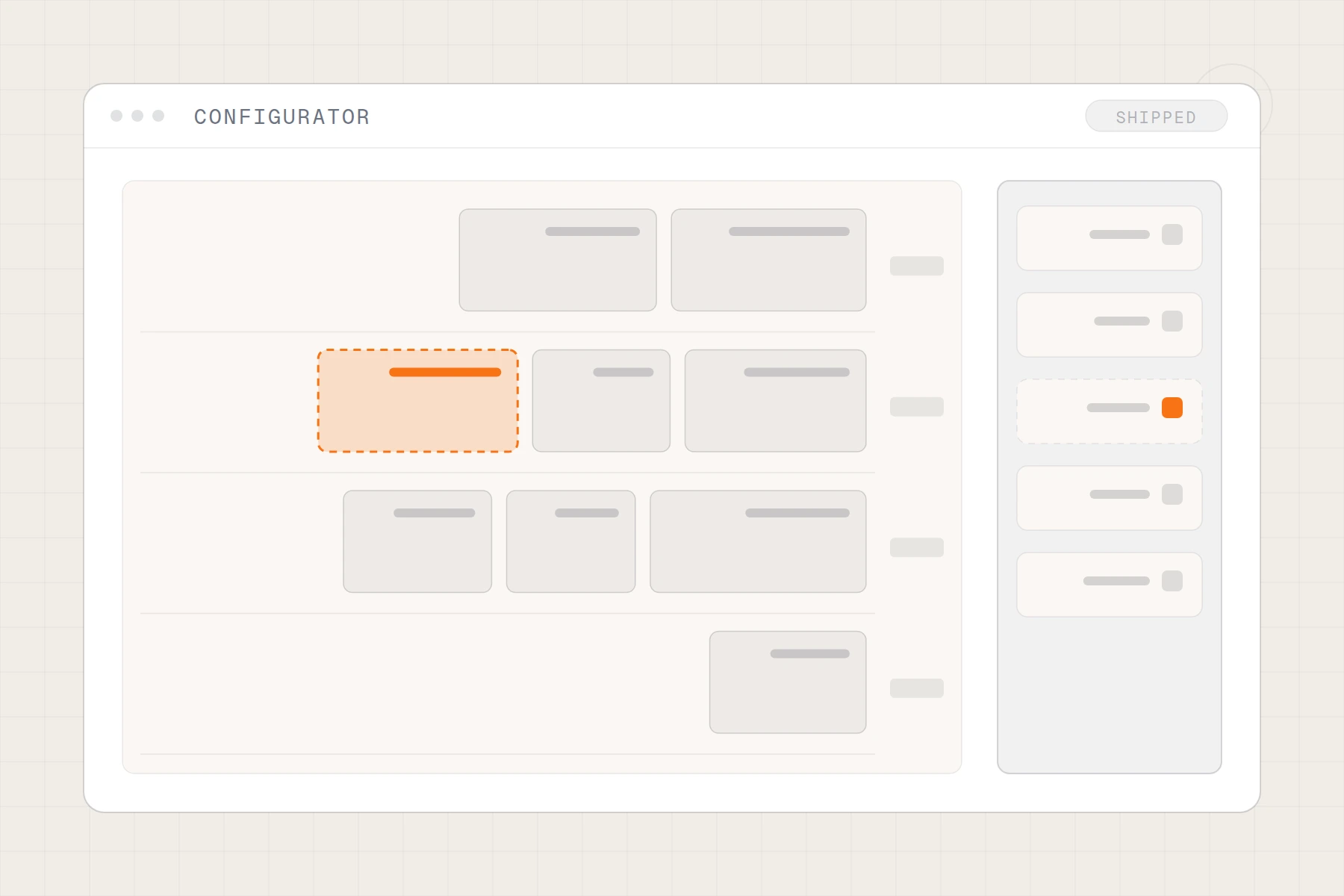
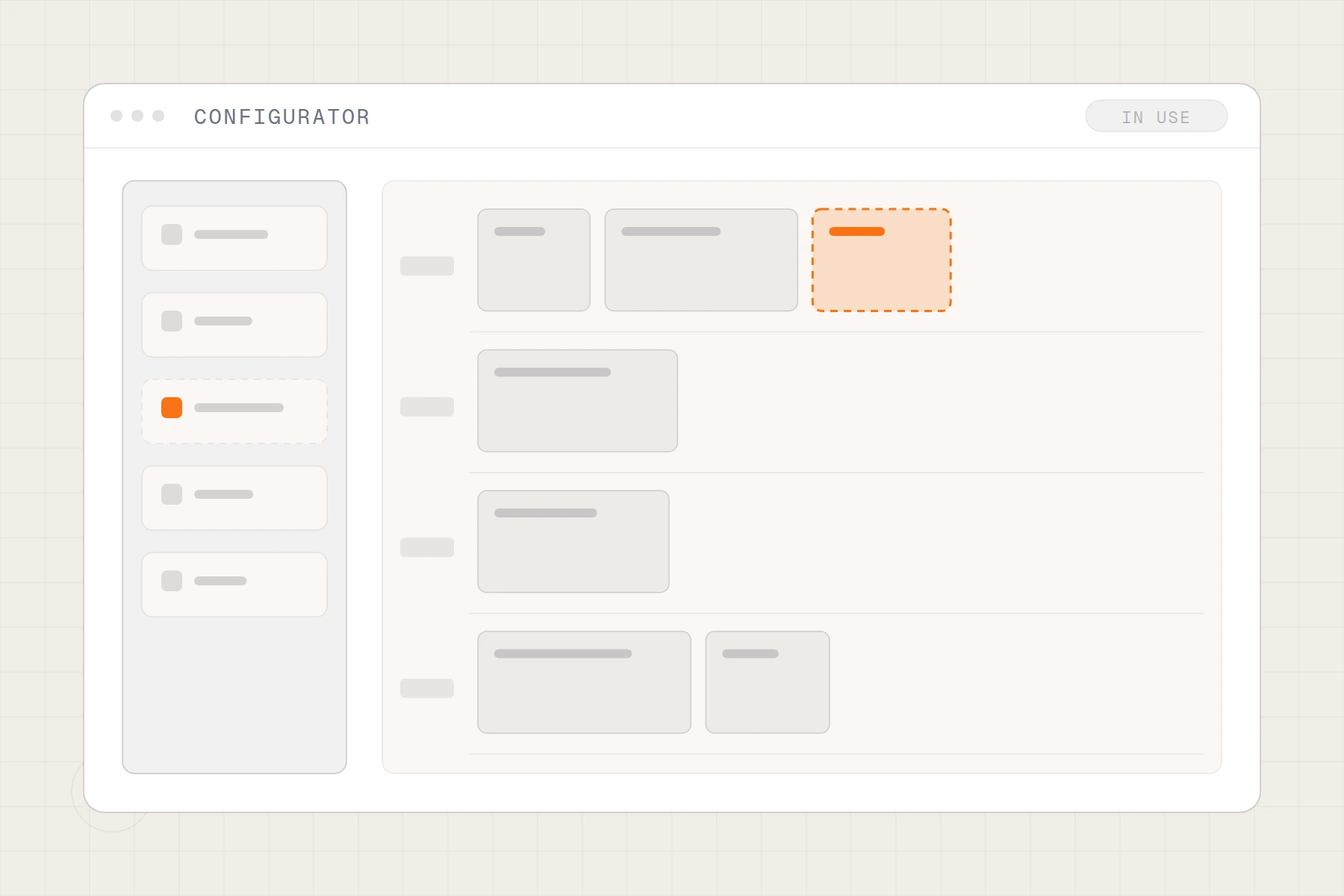
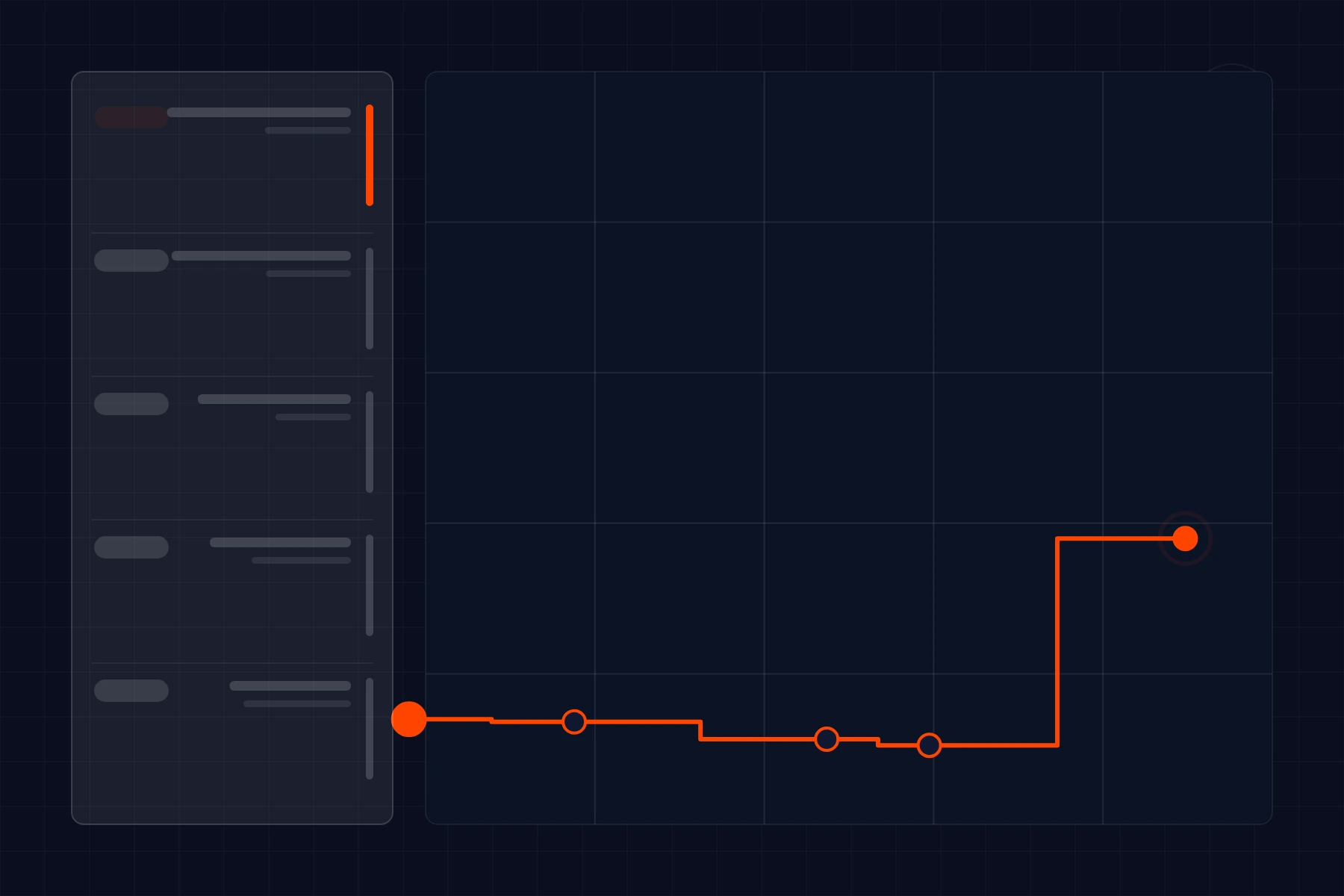
We redesigned the dispatcher console from a clean slate, with dispatchers as research partners through the entire project. Information hierarchy was rebuilt — incoming critical calls always occupy a dedicated zone with consistent placement; fleet state has its own zone; call queue has its own. Visual density was tuned for ten-hour shifts using high contrast on critical elements and lower contrast on supporting context. Color usage was unified across the console with a documented semantic palette — red is exclusively critical, amber exclusively warning, green exclusively confirmed-and-in-progress. Sound design was reworked with distinct earcons that dispatchers can identify without looking. New starters get a guided overlay for their first two weeks. Mis-click risk was reduced by separating destructive actions into a confirm-band rather than relying on modal dialogs that get reflexively dismissed. The whole console runs on the same operational backend — no data migration risk.
How the system flows
- Call IntakeCritical ZonePriority Visual + Earcon
- Triage DecisionTier AssignmentVehicle Recommendation
- DispatchVehicle ConfirmedETA UpdatedCaller Notified
- Fleet StatePersistent ZoneStatus at Glance
- Hand-offCrew UpdateHospital Pre-alertDocumentation
- Shift ChangeOpen Issues Walk-throughAcknowledged Handover
- Guided overlay for new starters during first two weeks of solo shifts
- Documented semantic palette with red/amber/green meanings consistent
- Distinct earcons for critical events identifiable without looking
- Destructive actions gated behind confirm-band, not dismissible modal
Console your team has been quietly hating?
We design high-stakes operator consoles with the operators as research partners — the people who use the tool for ten hours a day know what is wrong.
No retainer lock-in · Month-to-month · Full transparency